Designing reMarkable for enterprise adoption
reMarkable
Jul 2024 - Jun 2026
Connect for Business is reMarkable’s enterprise solution for making paper tablets secure and manageable at work. By working closely with IT admins from early concept to public release, we turned a complex setup into a guided self-service flow and created tools for managing users, devices, subscriptions, and security policies. The result helps companies approve and scale reMarkable in the workplace, opening a new B2B opportunity for the business.

The challenge
Security concerns are blocking reMarkable from the workplace
90% of reMarkable users bring their paper tablet to work as a personal tool for notes, meetings, and focus. But in larger enterprises, work tools must meet strict security requirements. Without a way for IT admins to manage devices, enforce policies, and protect company data, reMarkable could be seen as too risky to approve and be blocked from use.
This created both a challenge and an opportunity. If we could solve the security gap, we could help companies approve reMarkable for work, open the door to the B2B market, and enable more people to use the devices in their everyday work.
Approach
Designing with IT admins from early concept to public release
We worked closely with IT admins throughout the process, starting with early conversations and Figma prototypes to test the value proposition. As the product matured, we invited selected companies into early testing, followed by beta testing and eventually public release.
This gave us a fast feedback loop and made the design process highly iterative. We improved the experience by adjusting the information hierarchy, adding visual guidance, naming steps more clearly, and giving more detail where the setup required it. Slowly turning a complex enterprise setup into a self-service flow.
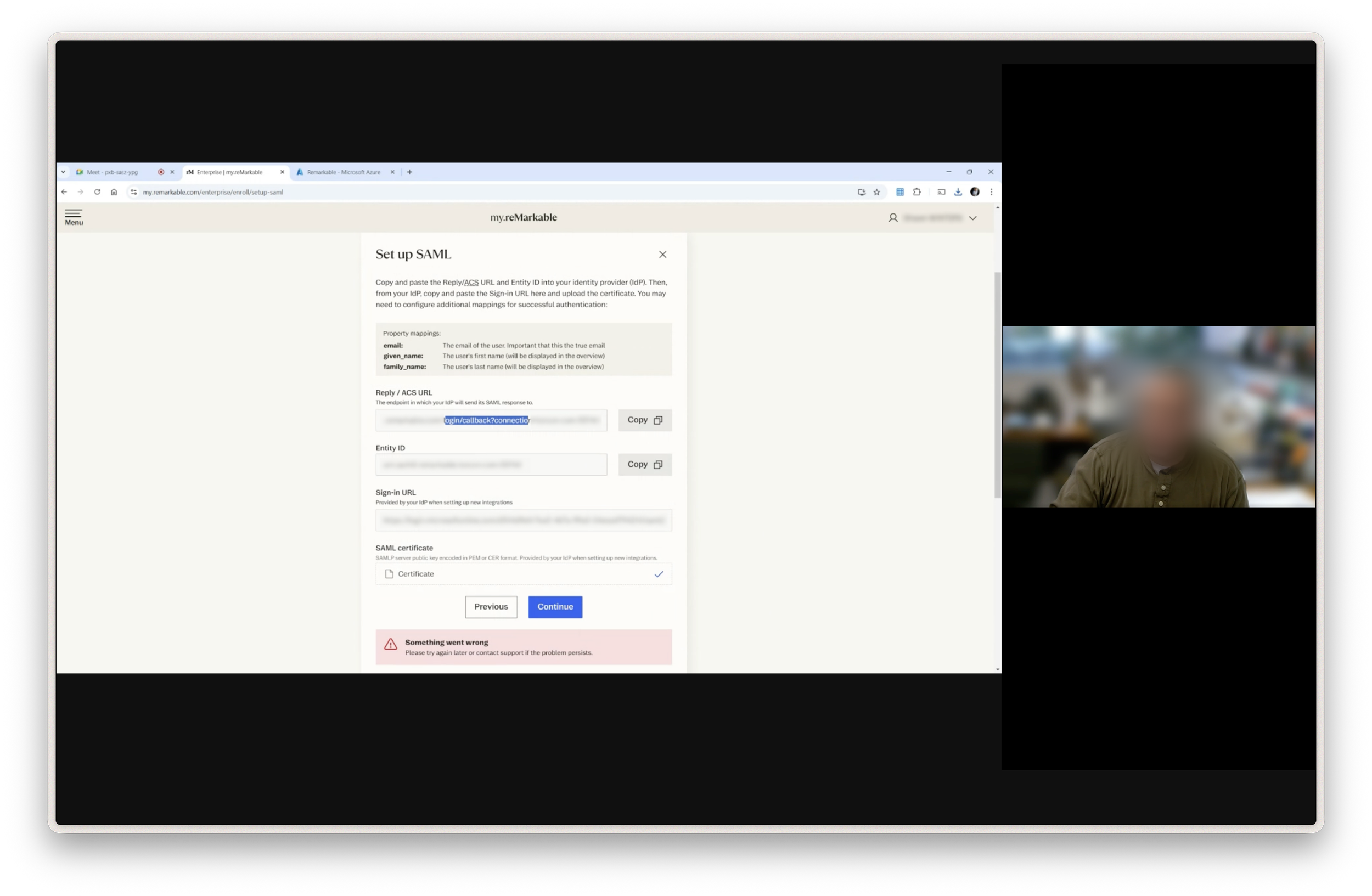
Testing the SSO setup with IT admins
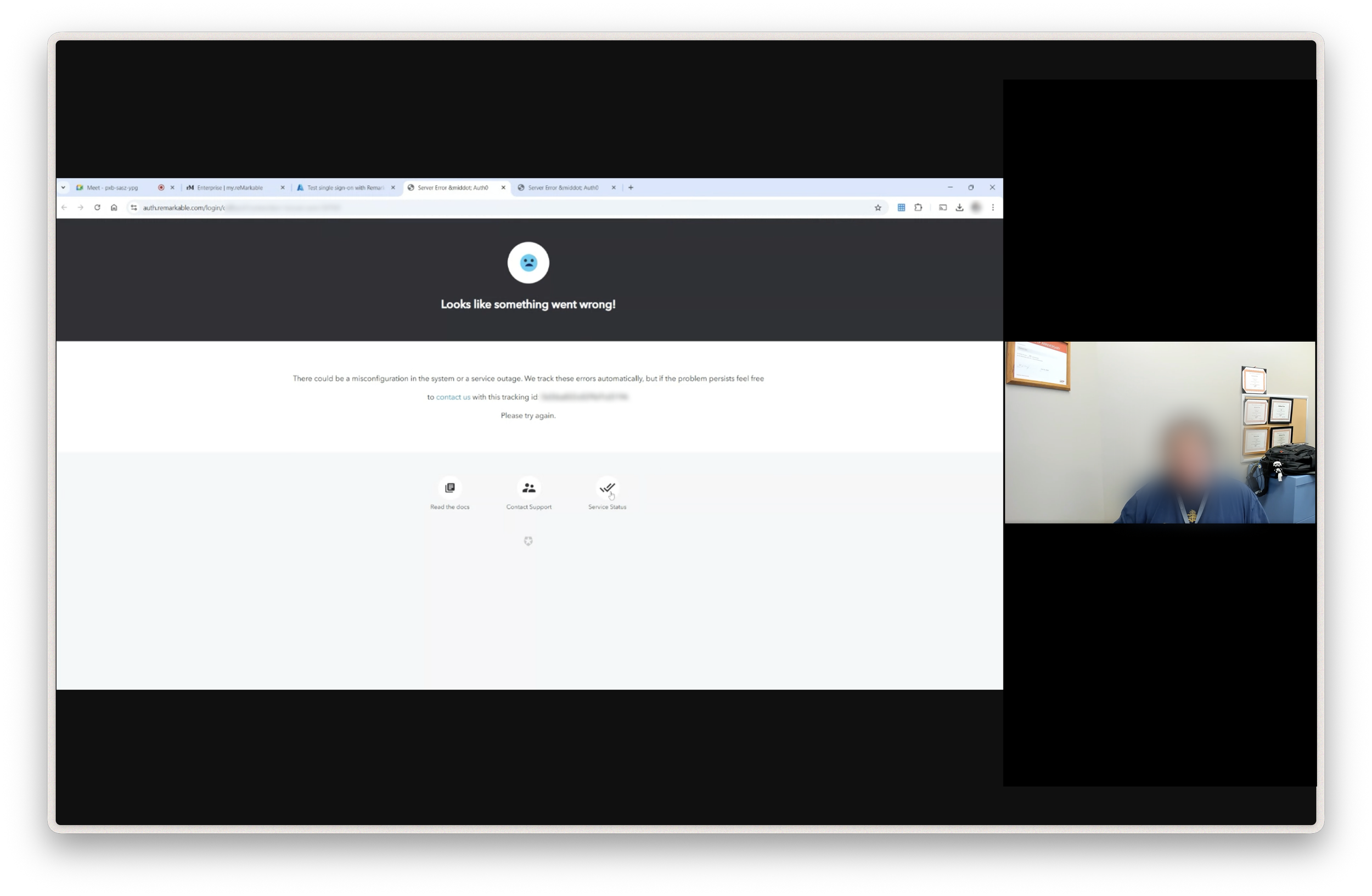
Navigating technical and UX issues
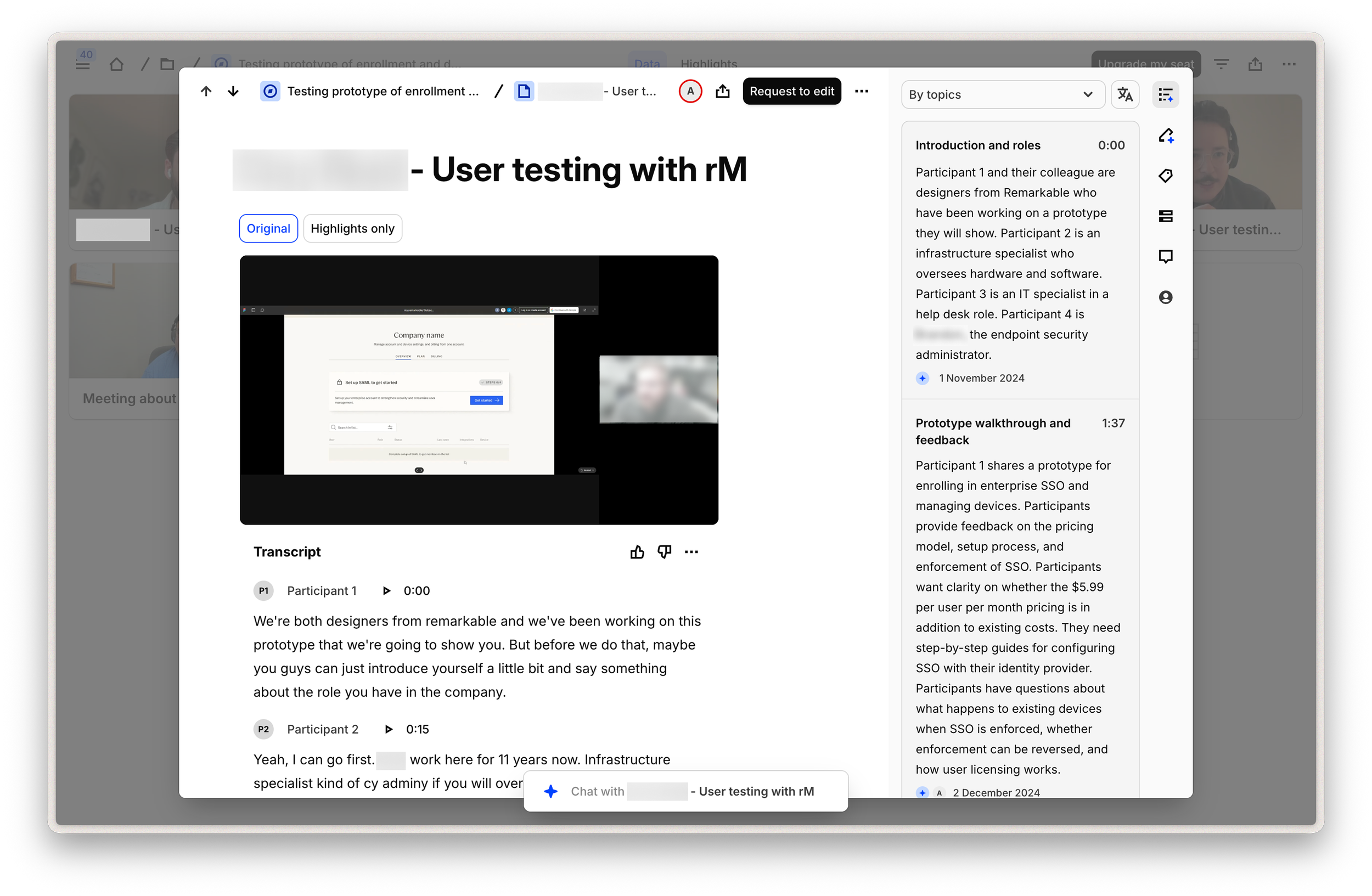
Extracting valuable insights from IT admins
Outcome
From supported onboarding to self-service
To manage reMarkable devices, IT admins first need to set up single sign-on and connect their identity provider to our service. In the beginning, this setup was difficult to complete without support. Even experienced IT admins struggled with the flow, and many needed manual help to get through it.
Through continuous testing and iteration, we turned the setup into a guided, step-by-step enrollment flow. Clearer structure, better explanations, and more support in the interface made it possible for companies to complete the setup on their own. Since launch, more than 200 companies have self-enrolled.
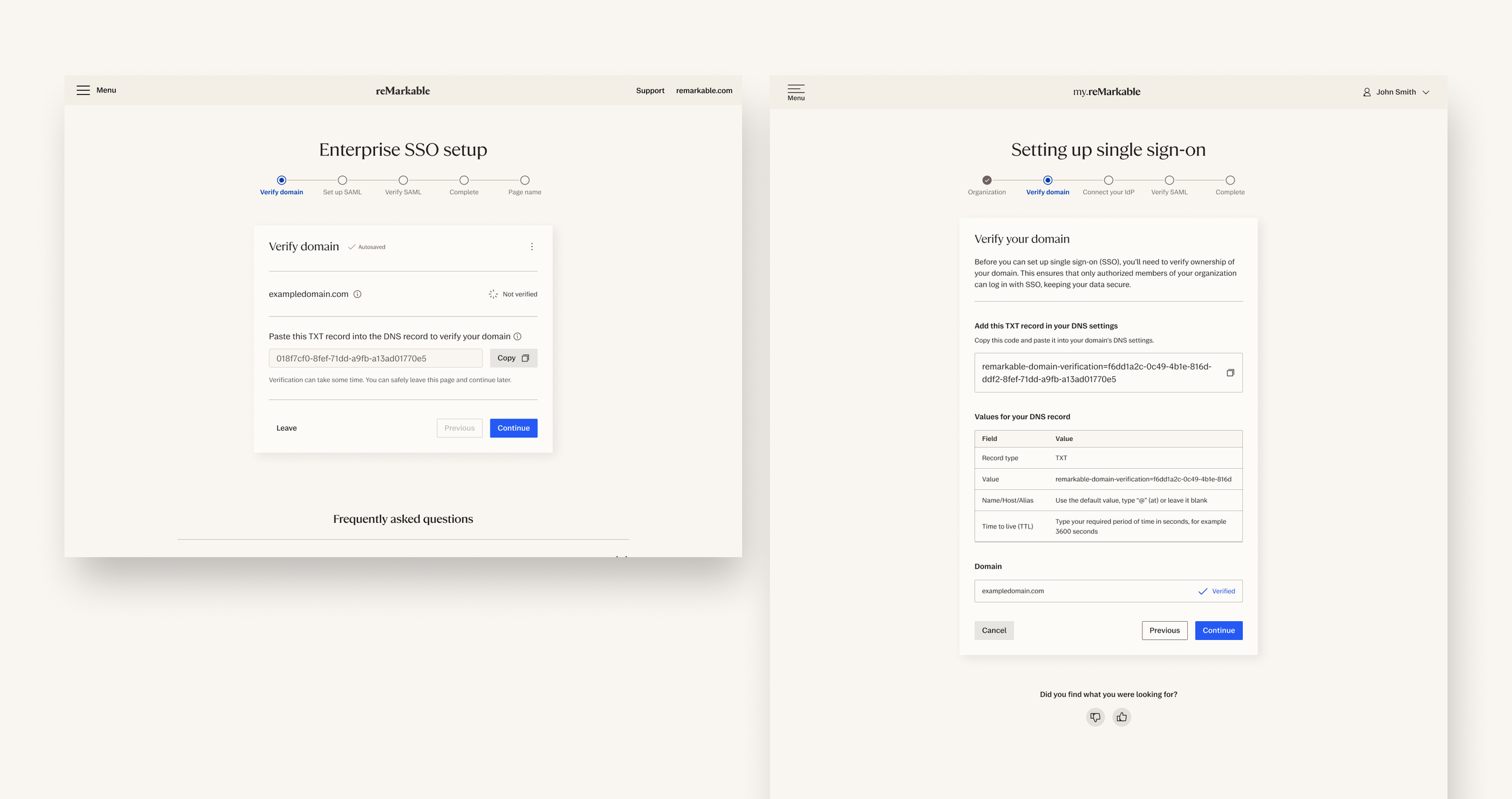
First iteration of the enrollment flow vs. the lates iteration. Clear hierarchy in the information and a visual example of what the values they need to enter look like.
A tool for managing devices, users and subscription
The project resulted in Connect for Business, reMarkable’s enterprise subscription for companies. Admins can manage users and devices from one dashboard, enforce policies such as passcodes and auto-lock, monitor compliance, manage roles, and remotely wipe devices when needed and more.
Together, these features give IT teams the confidence to support reMarkable at work. The tool solves the most immediate security and management needs, while also creating a scalable platform that can grow with more enterprise features over time.
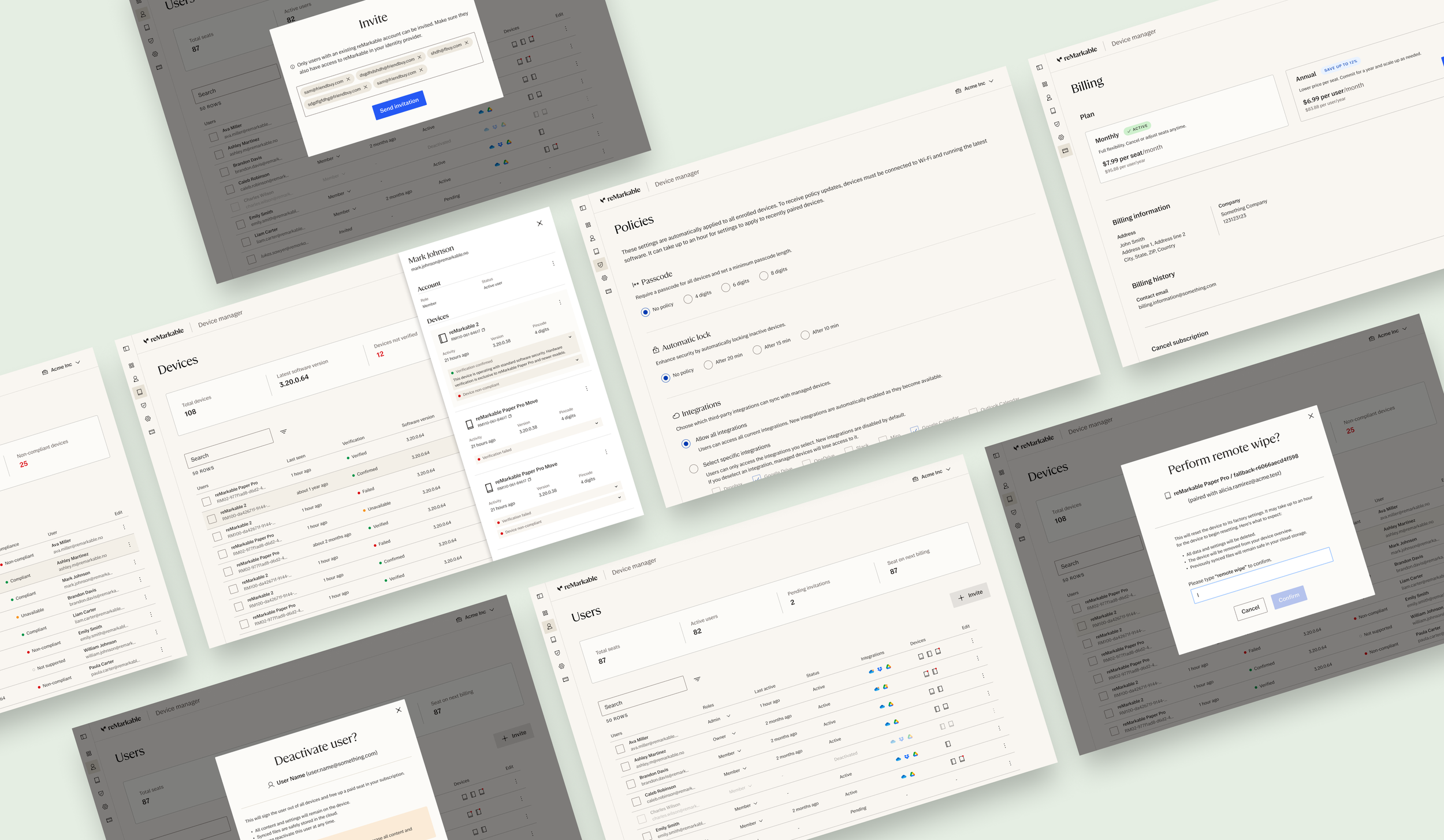
Connect for Business subscription with device management tool
Impact
Removing the security blocker for enterprise adoption
Connect for Business makes reMarkable easier for companies to approve, manage, and scale. By giving IT admins the control they need over devices, users, and security policies, the solution removes a key blocker that previously kept paper tablets out of some workplaces.
The self-service enrollment flow makes adoption easier at scale, with more than 200 companies already setting themselves up without direct support. For reMarkable, this project creates a new enterprise subscription and an important position in the B2B market.

Contribution
My contribution and responsibilities
“As the Lead UX/UI designer in the enterprise team, Adelin contributed from early testing through beta feedback and public launch. His main focus was the enrollment flow and device management tool. He designed and iterated on the SSO setup experience, improved information hierarchy, clarified next actions, and added guidance based on direct feedback from enterprise customers.
Adelin also designed key device management features, including member and device overviews, invitations, roles, policy management, compliance states, remote wipe, user deactivation, user deletion, and improved navigation. Beyond interface design, he initiated journey mapping across the business portals, helping teams align around a clearer end-to-end enterprise experience.”
Testing and feedback from users
Leading user interviews and analysing insights
Facilitating ideation workshops with stakeholders
Concept creation and development
Detailed UI and visual design
Translating technical complexity
Reflections
Testing and prototyping in production
Working with this project taught me the most about testing while a product is being built and already in use. We involved users from the very beginning, prototyping in production, making changes quickly, and seeing the impact of those changes almost immediately. It was incredibly demanding, and at times it felt like building the car while driving it, but it also made the design process concrete and efficient.